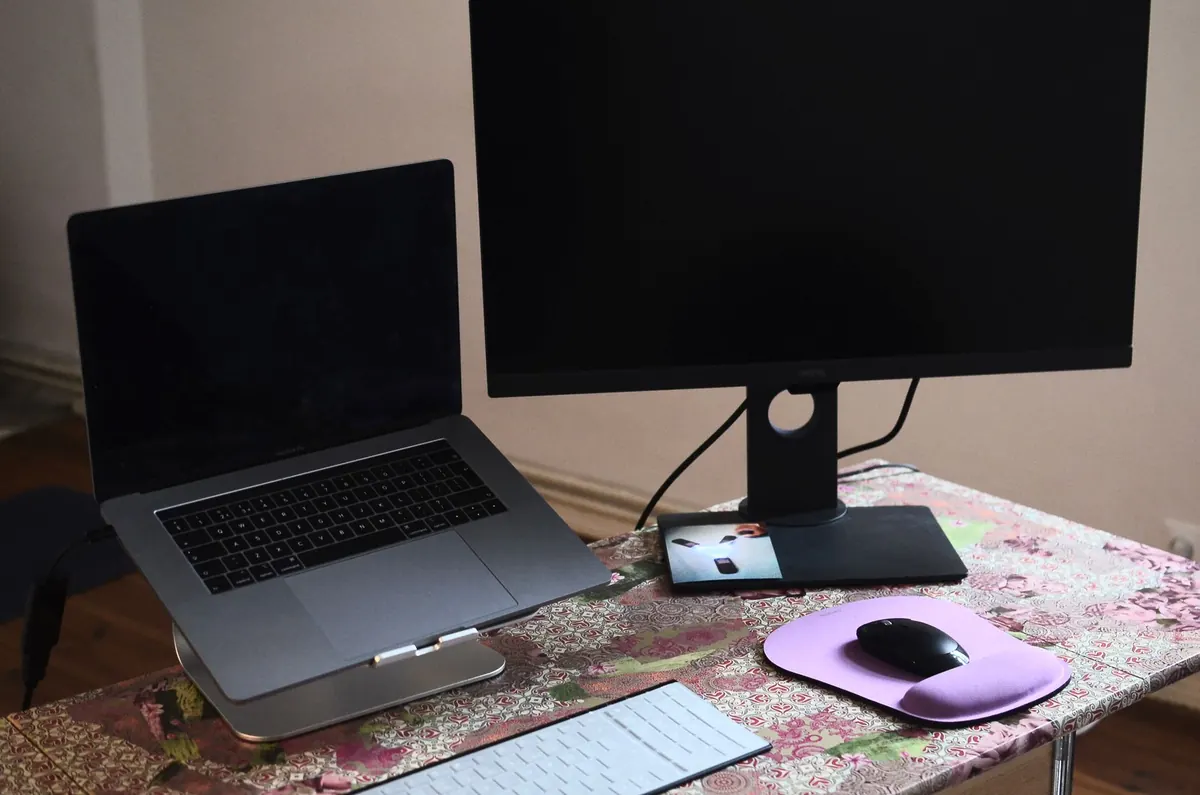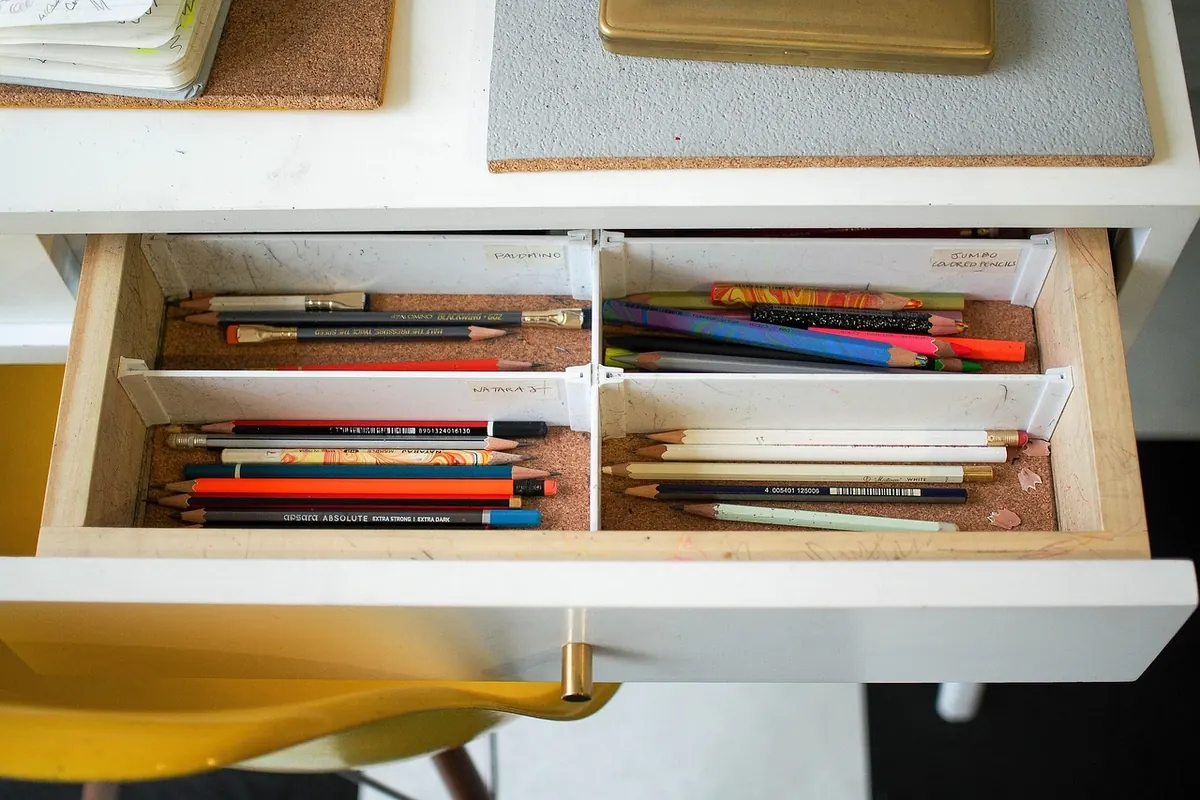
A desk left alone at the end of the day looks like a crime scene by morning. Not a dramatic one — a mug ring, three receipts, a headphone cable looped around a pen cup, a to-do list you can no longer read. None of it is a crisis. All of it costs you something at 9 a.m., when your first twenty minutes go to sorting instead of starting.
The fix isn't a deep clean. It's ten minutes, done at roughly the same point every afternoon, in the same order. Here's the sequence that holds up on a desk that actually gets used all day.
Set the timer before you touch anything
Ten minutes is generous if you stay in motion and tight if you start opening drawers. Set a timer on your phone and put it face down. The point of the deadline is to stop the reset from becoming a reorganization project you abandon halfway through, leaving a worse desk than you started with.
Before the timer starts, put two things within reach: a waste bin and one small box or tray for anything that needs a real decision later. That box is your escape hatch. When you hit a folder of receipts or a tangle of adapters you can't resolve in ten seconds, it goes in the box, not on the desk.
Clear the main surface first
Start with the area directly in front of your keyboard and to either side of it. That's the space your hands and eyes use, and it's the one that should be empty when you leave.
Everything on it goes to one of four places:
- Trash. Wrappers, dead pens, receipts you don't need, the sticky note whose meaning has evaporated.
- Somewhere else in the house. The mug goes to the kitchen. The mail goes to wherever mail actually lives. The sweater goes back on the chair or the hook.
- The action tray. Anything that needs a response from you tomorrow.
- Files. Only if filing takes five seconds. Otherwise, add it to the action tray and deal with it during one weekly admin block.
You're making decisions, not perfecting a system. Deciding is the slow part; filing can wait until Friday.
Tame the cables in two minutes
Cables are the reason a tidy desk still looks messy. You don't need cable management hardware for this part.
Unplug what doesn't need to stay plugged in — the spare laptop charger, the camera cable you used once this week — and put it in a drawer. Coil what stays into a loose loop, about the size of your palm, and close it with a velcro tie or a reusable twist tie. Leave enough slack that you can pull your laptop forward without dragging the whole arrangement with it. Route charging cables behind the desk edge or along the back, not across the keyboard zone.
One habit worth keeping
Keep a single charger per device on the desk. Everything else — the travel charger, the second USB-C brick, the short cable that only works at the right angle — lives in one labeled pouch or drawer. Drawers get messy when they hold duplicates; duplicates multiply when you can't find the original.
Sweep paper and small clutter
Paper has a way of arriving in thin layers: a printout, a note from a call, a business card, a delivery slip. Work through the pile with the same four questions you used on the surface, but say them out loud if it helps you move faster: Is it trash? Does it belong somewhere else? Does it need action? Is it reference?
Then take one more pass for the small stuff that hides: pens without caps, paper clips, a phone stand you never use, the lip balm that's been rolling around since Tuesday. If you haven't reached for it in a week, it goes in the box.
Wipe down and close the digital tabs
Run a dry or barely damp microfiber cloth over the desk surface. For keyboards, turn the board upside down and tap it gently, or use compressed air according to the manufacturer's instructions; never spray cleaner directly onto a keyboard, monitor, or laptop. A screen-safe cloth is enough for fingerprints, and a dry cloth is enough for most surfaces you use daily.
If you work on a computer, finish with the digital equivalent: close the browser tabs you won't need tomorrow, empty the downloads folder of anything finished, and shut down or sleep the machine. Two minutes here saves the same two minutes in the morning, plus the distraction of a screen full of yesterday's loose ends.
Leave tomorrow's first move waiting
This is the step most people skip, and it's the one that changes the morning. Before you stand up, write down the single next action for tomorrow — not the project name, the actual first move. "Open the proposal draft and paste in the client's notes" beats "work on proposal," because it tells you where to put your hands.
Put that note where you'll sit. If it's a physical task, set out the object: the notebook open to a blank page, the folder on the corner of the desk, the charger already plugged in.
Keep the reset from stretching past ten minutes
The routine only works if it stays short. Three things protect it. Anchor it to a fixed cue — the moment you close your laptop for the last time, not "when I get around to it." Keep a two-minute version for late nights: mug to the kitchen, main surface cleared, one line written for tomorrow. And don't buy organizers until you've done this for two weeks and know what you actually pile up. Most people discover they need a tray and a drawer divider, not a filing cabinet.
One caution: the reset shouldn't become a way to avoid the hard task you've been circling all afternoon. If it's 6 p.m. and the real work isn't done, note the next step and leave. Tidying is not progress.
Try it tonight
Do the first reset today, timer and all, and see what your desk looks like in the morning. Most people find the ten minutes come back with interest — you sit down, the surface is clear, the cables are where you left them, and the first thing on the list is already decided. Adjust the order to your own desk after a week. Clear surface, tidy cables, one clear next step: get those three right and the rest takes care of itself.
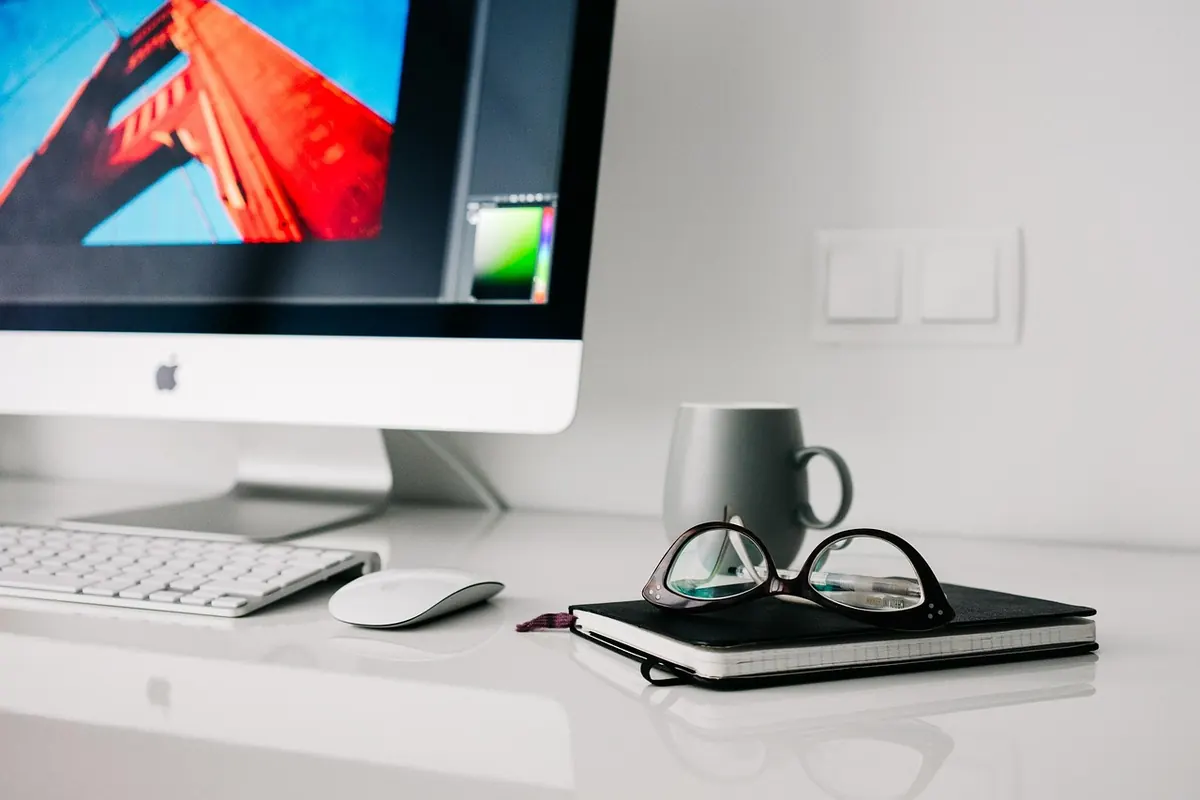
Photo: StockSnap / Pixabay