Back pain at a desk rarely shows up on day one. It builds quietly: a dull ache by Thursday afternoon, stiffness when you finally stand up, a knot between the shoulder blades you keep trying to stretch out. By the time it becomes a daily visitor, you have usually been sitting inside the same small set of mistakes for months. The encouraging part is that most desk-related back discomfort traces back to a handful of setup problems, and each one takes minutes to correct.
1. Adjusting the Chair to the Desk Instead of the Desk to Your Body
Most people raise or lower the chair until their arms line up with the desktop and stop there. That gets the elbows roughly right while leaving the lower half of the body out of the conversation entirely. Set the chair for your legs first, then make the desk suit you.
- Set the seat height so your feet rest flat on the floor and your knees sit level with, or slightly below, your hips.
- Adjust the seat depth so there is about a fist-width gap between the back of your knees and the front edge of the chair.
- Position the backrest so it presses gently into the inward curve of your lower back.
- Only now check the desk. Your elbows should fall near a right angle, forearms roughly parallel to the floor.
If raising the chair to the correct height leaves your feet dangling, a footrest or a sturdy box under the desk fixes it. Dangling feet quietly pull your hips out of alignment all day.
2. Sitting Without Real Lumbar Support
A backrest that only touches your mid-back does almost nothing for the part of you that aches. The support needs to sit low, filling the small hollow above your belt line, and it should stay in contact with you when you breathe out and settle.
The common fixes are small. Roll a towel into a cylinder about the thickness of your forearm and wedge it behind your lower back. On an adjustable chair, tilt the backrest so it reclines slightly — somewhere around 100 degrees — rather than sitting bolt upright or tipped so far back that you have to crane forward to see the screen. And stop perching on the front edge of the seat. That position removes the backrest from the equation completely and hands all the work to your lower back.
3. Monitor Placement That Pulls Your Head Forward
If you finish the day with a stiff neck and a sore spot between the shoulder blades, look at where the screen actually sits. The top of the monitor should land at or just below eye level, roughly an arm's length away. Too low and you spend the day looking down. Too far and you lean in without noticing.
With two screens, center the one you use most and angle the second one inward beside it. If you find yourself turning your head to the same side for hours, your neck and upper back will complain long before your eyes do.
4. Reaching for the Keyboard and Mouse
Watch yourself type for thirty seconds. If your arms are stretched forward, your upper back is rounding and your chest is collapsing toward the desk — and you are holding that shape for eight hours.
Keep the keyboard close enough that your elbows stay near your sides, and put the mouse immediately beside it rather than off in the far corner. Wrists should stay roughly flat, not bent upward toward the ceiling. If your desk is unusually deep, a keyboard tray or a slimmer keyboard often solves the reach more cheaply than replacing furniture.
5. Treating a Laptop as a Permanent Setup
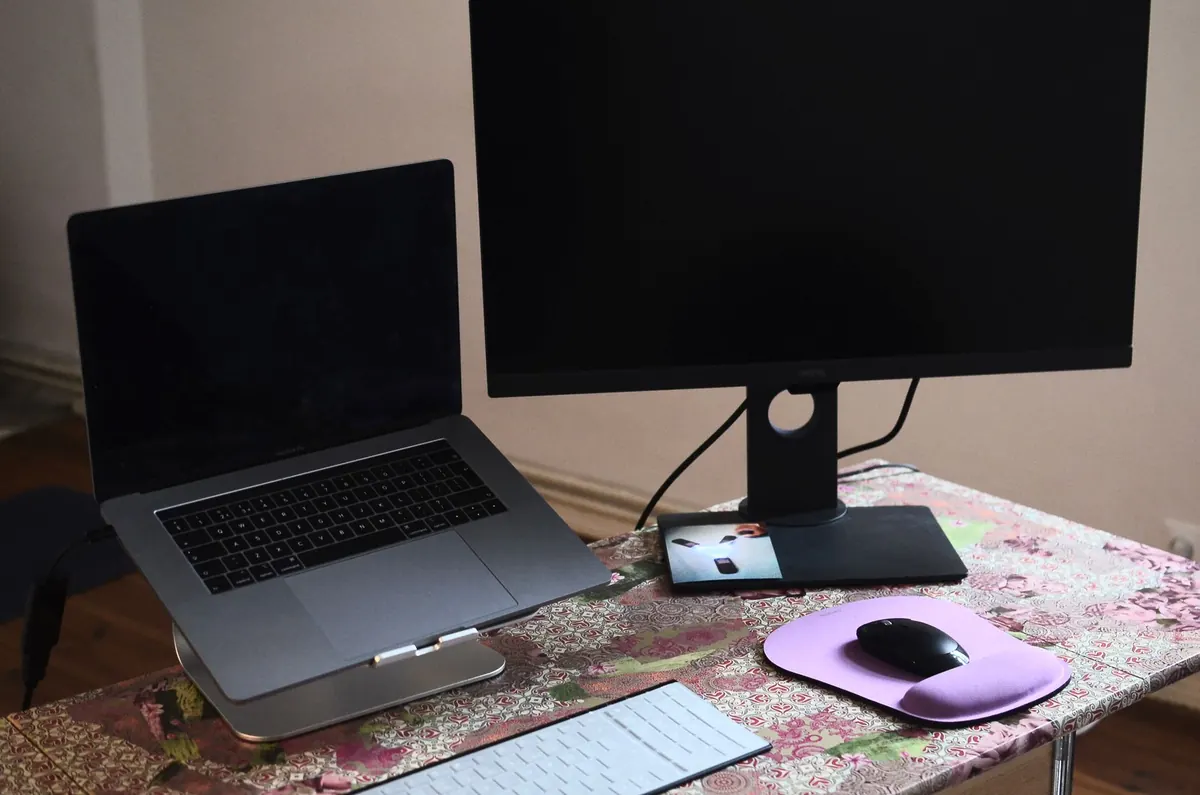
A laptop is a fine machine and a poor workstation. Screen and keyboard are joined, so you have a choice: look down at a comfortable typing height, or raise the screen and reach up to type. Both positions end up in your back.
If the laptop is your main computer, add an external keyboard and mouse and raise the screen on a stand, a stack of books, or a spare box. This one change fixes more discomfort than most people expect, and it is the single upgrade worth making before you consider a new chair.
6. Staying in One Position for Hours
Even excellent posture becomes a problem when you hold it without moving. Your spine likes variety more than it likes perfection, and static load is what makes muscles stiff and sore.
Get up roughly every half hour, even if only to refill a glass of water. Stand during phone calls. Roll your shoulders back and reach your arms overhead a few times. If you have a sit-stand desk, use it in blocks rather than standing all day — alternating is easier on your back than either extreme.
7. Setting It Up Once and Never Revisiting It
Setups drift. A new chair, a different desk, a replacement monitor, a change in your own posture or strength — any of these can quietly undo an arrangement that used to work. Twice a year, run a three-point check: feet flat, elbows near ninety degrees, top of the screen at eye level. It takes two minutes and catches most problems before they turn into a familiar ache.
A Ten-Minute Reset You Can Do Today
Before your next work session, walk through this list with your current setup:
- Feet flat on the floor or on a footrest, knees level with or below the hips
- Lower back touching the backrest, with a towel roll if it does not
- Top of the screen at or just below eye level, about an arm's length away
- Keyboard and mouse close enough that your elbows stay near your ribs
- Shoulders relaxed and down, wrists flat
- A timer or reminder to stand up every thirty minutes
None of these fixes require new furniture, and most cost nothing at all. Give them a week before you judge the results — a back that has been complaining for months will not reset overnight.
If pain persists, worsens, or comes with numbness or tingling into your legs or arms, see a doctor or a physiotherapist rather than trying to sit your way out of it. Setup changes help with the everyday strain of desk work; they are not a substitute for proper assessment of an injury.
Photo: minhphuc .workspace / Pexels