Spring light is unforgiving. The same window that felt cozy in January now lands squarely on every fingerprint on your monitor, every crumb behind the keyboard, every dust-furred cable under the desk. That honesty is useful. It is the reason a spring reset works better than a vague intention to keep things tidy — you can finally see what needs doing.
A full desk reset takes most people two or three hours, and you do not need to buy anything new. Work top to bottom, dry before wet, and clean in an order that does not undo your own progress. You can do it in one sitting or spread it across a few evenings. Either way, here is a checklist that holds up.
Start With an Empty Desk
Before you clean anything, take everything off the main surface. Not into a pile on the floor — a pile on the floor is how resets die. Use a laundry basket for the overflow and the chair for things that belong in another room. The goal is a bare desk so you can actually reach the back edge, the cable gap, and the spot where the monitor stand has been sitting since autumn.
Then dust the high points first: shelf, lamp, monitor top, the lip of any hutch. Dust falls. If you wipe the desk first and the shelf second, you will do the desk twice.
Gather your kit before you start so you are not hunting for a cloth with dusty hands:
- Two microfiber cloths — one for dry dusting, one for damp wiping
- Isopropyl alcohol, around 70 percent, in a small spray bottle
- Compressed air or a rubber bulb blower
- A soft brush, such as a clean paintbrush, for vents and seams
- Warm water with a drop of dish soap for plastic parts
- A vacuum with a brush attachment
Check the manufacturer's guidance for anything expensive or still under warranty. A two-minute search beats a cloudy screen or a dead keyboard.
Keyboards, Mice, and Everything You Touch
The keyboard is usually the grubbiest object on the desk, and it is also the one people clean worst. Turning it upside down and shaking it moves crumbs around; wiping the top just polishes the grime into the gaps.
- Unplug the keyboard, or switch off the wireless connection and remove batteries if that is easy.
- Photograph the layout before you remove keycaps. You will not remember where the arrow cluster goes.
- Use a keycap puller, work from the edges inward, and drop the caps into a bowl of warm water with a drop of dish soap.
- Rinse them, spread them on a towel, and let them dry for a full day. Moisture trapped in a stem is how switches start misbehaving.
- Blow debris off the deck at an angle in short bursts rather than one long blast.
- Wipe the deck with alcohol on a barely damp cloth. Never spray liquid into the keyboard.
- Reassemble against your photo.
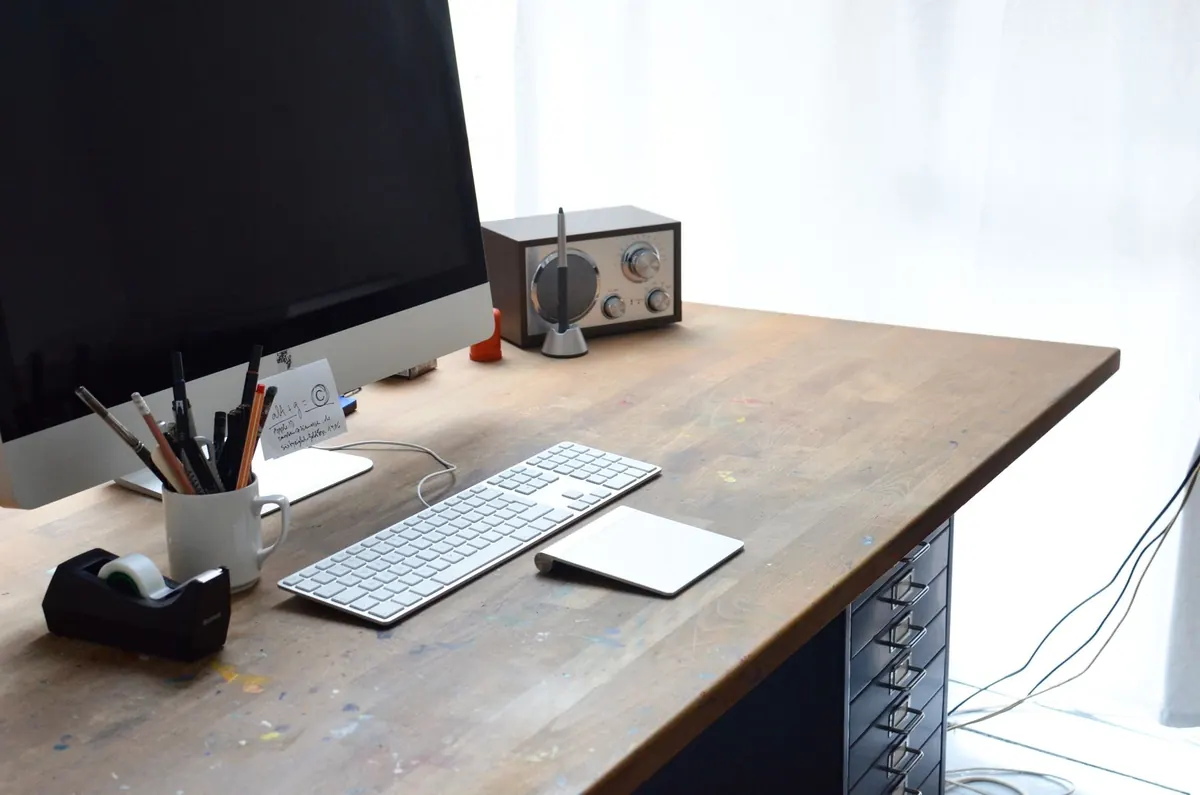
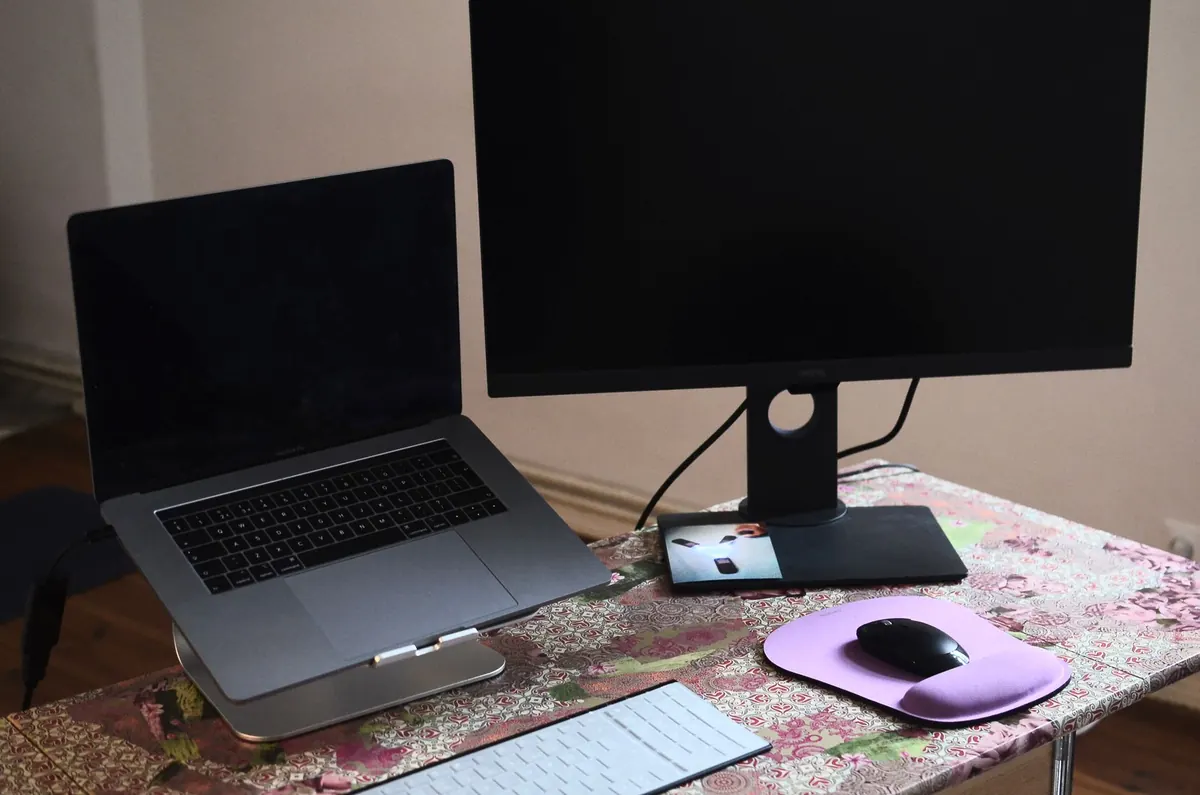
Mice and trackpads need less ceremony but more attention than they get. Wipe the shell and scroll wheel, and check the sensor lens underneath — a single hair there causes skipping that people blame on the computer. Wrist rests made of fabric can be hand-washed or spot-cleaned; let them dry completely before they go back on the desk. If you use a drawing tablet, dust the surface and wipe the pen, since grit under the nib scratches the working area.
Monitors and the Dust Behind Them
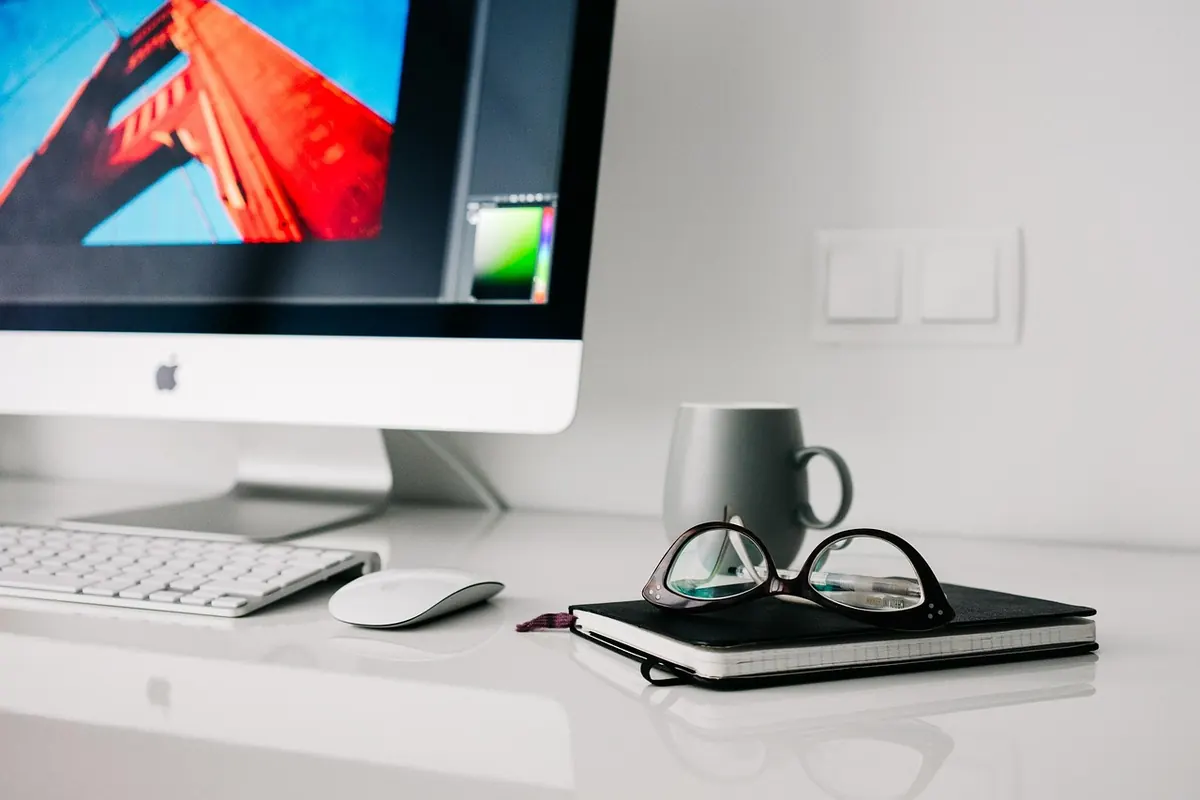
Power the monitor off and unplug it. Start with a dry microfiber cloth, because dust plus pressure is what actually scratches a panel. Then use a lightly dampened cloth — distilled water or a cleaner made for screens — and spray the cloth, never the display. Skip glass cleaners that contain ammonia or strong alcohol on anti-glare and anti-reflective coatings, and skip paper towels, which shed lint and leave fine marks. Use almost no pressure. You are lifting dust, not scrubbing a window.
The parts people forget matter just as much. The back of the monitor collects a felt-like layer of dust, and the vents along the top edge clog quietly. Vacuum those vents on low with a brush attachment, or brush them out gently. Wipe the stand where hands grab it. Then follow the cables to the power brick and the wall, and clean the small patch of floor or baseboard where everything has been nesting. Laptop owners should brush out the hinge gap and the ports with a dry soft brush — never poke a metal object into a port.
Drawers, Papers, and Orphaned Cables
Do one drawer at a time. Empty it completely, wipe the inside, and sort the contents into three destinations: stays here, belongs elsewhere, and leaves the house. A pen that does not write goes. So does the promotional notebook you will never use, the dead battery, and the third pair of earbuds.
Cables deserve their own pass. Keep one of each type you genuinely use, coil them loosely, and label with a twist tie and a strip of masking tape. Everything else — the mystery charger, the adapter for a device you sold — goes into a single bag for donation or recycling. Paper gets three folders: action, file, and shred. Anything with account numbers, signatures, or medical details should be shredded rather than binned.
Finish with a liner or a couple of small dividers so the drawer has a reason to stay tidy. An empty drawer fills itself within a month; a drawer with obvious homes for things does not.
Chair, Floor, and Air
The chair is usually the most overlooked object in the room. Vacuum the fabric with the brush attachment, working along the seams and under the seat cushion. Turn the chair over and cut the hair wrapped around the casters — a seam ripper or small scissors works well, and removing that alone can make the chair roll quietly again. Wipe armrests with alcohol, then let them dry before you lean on them.
Move the chair out of the way and deal with the floor: sweep or vacuum the corner, the baseboard, and the strip under the desk where socks leave dust. Rugs benefit from being vacuumed on both sides, or hung outside for an hour on a dry, breezy day. Open the windows while you work, dust the leaves of any plant within reach, and check the filter in your workspace air purifier or the HVAC return if that is part of your routine. If you are sensitive to fragrances or have a respiratory condition, choose unscented products and ask a clinician if you are unsure what is safe around you.
Reset the Screen Side Too
A physical reset feels incomplete if the desktop is still chaos. Clear the downloads folder down to zero — sort files into folders or delete them outright. Close the browser tabs you have been keeping open as a substitute for a to-do list, and write down the three things that actually needed doing. Empty the recycle bin, then update the one program that has been nagging you for weeks. Fifteen minutes here buys more calm than another scented candle.
Make It Stay Reset
Deep cleaning once a year is fine; keeping the result is what changes how the room feels on a Tuesday morning. Put a twenty-minute tidy on your calendar once a month: wipe the desk, shake the keyboard out, and return stray items to their homes. Keep a small cloth and the alcohol bottle within reach so the barrier to a quick wipe is zero.
Before you finish, note what ran out while you were cleaning — the label tape, the pens, the screen cleaner — and add it to your next shopping list. Then set tomorrow's work out on the clean surface: notebook open, pen down, cable plugged in where you can find it. A desk that is ready before you sit down is the quiet reward of an afternoon's work.
Photo: fancycrave1 / Pixabay